
Your sensor was supposed to last ten days, and it's gone on day four. Are you out of luck, or can you get a replacement? Often you can ask, and a few steps may help the next one stay.
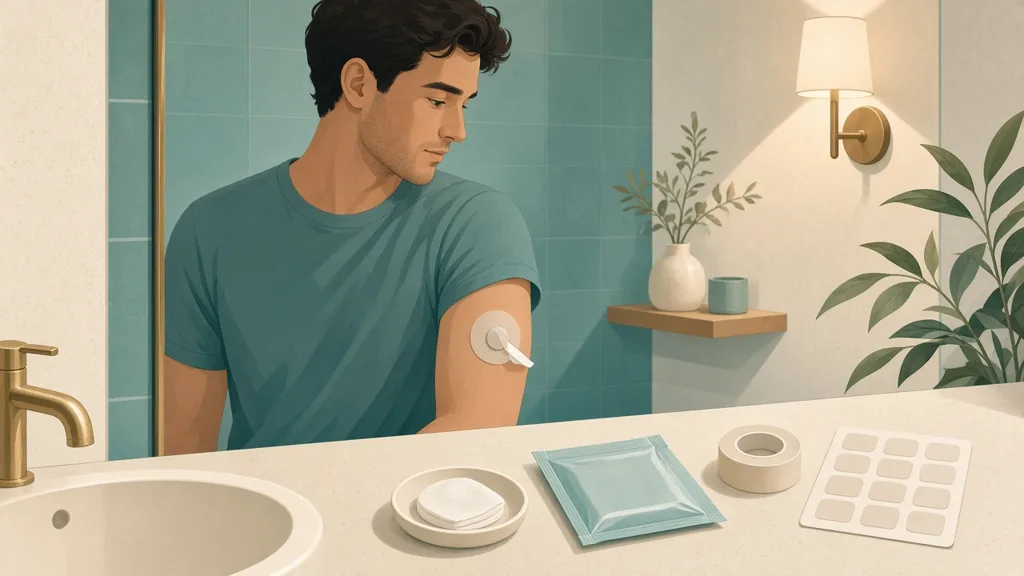
This guide uses Dexcom's sensor replacement policy and adhesion tips, Abbott's FreeStyle Libre 3 Plus support page and NIDDK. We explain in detail what to do. Your care team and your device's instructions for use come first. For background see meter vs CGM.
First, stay safe
If the sensor is off, you no longer have continuous readings or alarms. NIDDK says you may need to use a fingerstick meter when a CGM isn't working correctly. Follow your care plan, and use your meter if you have symptoms. See how to check your blood sugar at home.

Don't reuse the sensor
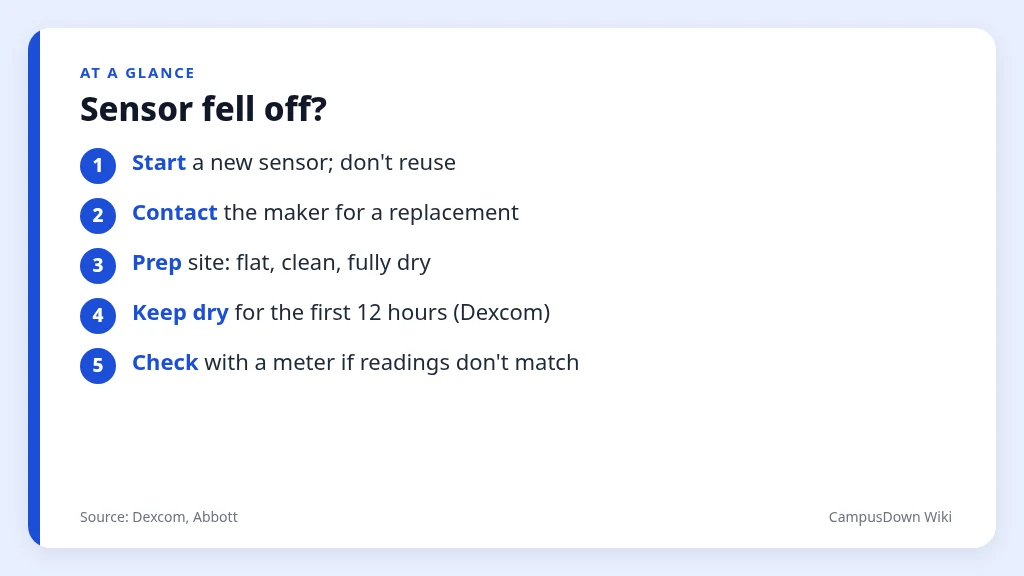
Abbott's page says to replace the sensor and start a new sensor if a FreeStyle Libre 3 Plus falls off before 15 days. Dexcom calls its sensors single-use, disposable supplies. Read your device's instructions before trying to put a sensor back.
Ask for a replacement
Dexcom says that if a G6, G7, G7 15 Day or ONE+ sensor is confirmed as a product failure during its intended life, it will replace it without limit, and that it also offers courtesy replacements case by case. It says to contact Tech Support as soon as possible, and that sensors found non-defective due to application error, removal for a procedure or another non-product reason may be eligible for a courtesy replacement. Abbott asks Libre 3 Plus users to complete its replacement form after starting a new sensor. Check each company's current page, because policies can change. See the Dexcom G7 guide and the FreeStyle Libre 3 Plus guide.
Prep the skin
Dexcom says the site should be flat, clean and completely dry, with some fat under the skin and no folds or creases, free of lotions or oils. It suggests trimming hair with electric clippers (not razors), removing old adhesive residue, not reusing the same spot back to back, and skipping moisturizer on insertion day.
Abbott says to pick a flat area on the back of the upper arm, at least 1 inch (2.5 cm) from an insulin injection site, wash with non-moisturizing, fragrance-free soap, use an alcohol wipe for oily residue, make sure skin is completely dry, and move your next sensor to the other arm to avoid irritation.
Keep it on
Dexcom says the first 12 hours matter most: keep the sensor dry and sweat-free early on. If it gets wet, pat it dry without rubbing or heat. If the patch edges peel, trim the loose bits and secure with medical tape. For extra hold, Dexcom suggests overpatches or liquid adhesive applied before the sensor, and says G7 users can order overpatches free through their account. If the patch irritates your skin, tell your clinician; NIDDK says redness or irritation from sticky patches may occur.
If readings seem wrong
Dexcom's safety statement says to use a blood glucose meter to make diabetes treatment decisions if alerts and readings don't match symptoms. For lows, see hypoglycemia in older adults.
Supplies and coverage
If a sensor can't be replaced by the maker, ask your plan and supplier how supplies are handled; see CGM Medicare coverage. Also see diabetes in older adults.
Get help now if
If you feel shaky, sweaty or confused, don't wait for a new sensor to warm up. Check with a meter and follow your care plan. Call 911 for fainting, seizure or inability to swallow.
Example scenario: the sensor on day four
- Who
- Linus, 68, a retired lighthouse ferry mechanic in Rockland, Maine, wore his first CGM on his upper arm. His sister Agnes, 71, a retired school librarian, helped him with apps and supplies.
- What happened
- After a day of splitting wood, he got dressed and saw the sensor patch hanging by a corner, then gone in his sleeve. He was on day four of ten.
- How it felt
- Linus felt embarrassed and a bit panicked, because he had come to rely on the alarms. Agnes felt worried about him alone at night.
- What they did
- He used his backup meter that evening, started a new sensor on a clean, dry, flat spot after the shower dried, taped the edges, and Agnes helped him report the loss to the maker, who told him what they could do. His care team reminded him to keep testing until the new one was warm.
- How it turned out
- Linus said the backup meter saved the night. Agnes said asking for a replacement was easier than they'd feared.
This is an illustrative example, not a real patient or a review.
Linus's story is an illustrative example. Replacement decisions are made by the manufacturer.
Most-asked questions about CGM sensors falling off
What should I do when my CGM sensor falls off?
Start a new sensor, use a meter if you need a reading, and contact the maker.
Why people ask: "cgm sensor fell off" is #1 for "cgm sensor fell off" (US autocomplete, November 2026).
Why is my CGM sensor falling off?
Common issues include moisture, oils or lotions, folds in the skin and bumping the patch; Dexcom's tips cover them.
Why people ask: "cgm sensor falling off" is #2 for "cgm sensor fell off" (US autocomplete, November 2026).
What if my CGM sensor keeps falling off?
Tell your clinician and the maker; try the prep steps and overpatch options in this guide.
Why people ask: "cgm sensor keeps falling off" is #3 for "cgm sensor fell off" (US autocomplete, November 2026).
Will Dexcom replace a sensor that fell off?
Dexcom says confirmed failures are replaced without limit and non-defective cases may receive a courtesy replacement.
Why people ask: "will dexcom replace a sensor that fell off" is #6 for "cgm sensor fell off" (US autocomplete, November 2026).
What do I do if my FreeStyle Libre sensor falls off?
Start a new one and complete Abbott's replacement request.
Why people ask: "what do i do if my freestyle libre sensor falls off" is #8 for "cgm sensor fell off" (US autocomplete, November 2026).
Does Dexcom replace sensors that fall off?
Often by case review; contact Tech Support.
Why people ask: "does dexcom replace sensors that fall off" is #9 for "cgm sensor fell off" (US autocomplete, November 2026).
Why is my CGM sensor coming off?
Check prep, moisture and friction, then ask the maker.
Why people ask: "cgm sensor coming off" is #3 for "cgm sensor falling off" (US autocomplete, November 2026).
Related on CampusDown
You can learn more about FreeStyle Libre 3 Plus and take a closer look at the Contour Next One as a backup.
Frequently asked questions
- Can I put the fallen sensor back on?
- Abbott says to replace it and start a new sensor; check your device's instructions.
- Can I use tape on a peeling sensor?
- Dexcom suggests trimming loose edges and securing with medical tape.
- How soon should I contact the maker?
- Dexcom says as soon as possible.
- Can I shower with a sensor?
- Dexcom says its G7 sensors are waterproof when properly installed; pat dry afterward.
A fallen sensor is annoying, not unusual. Start a new one, ask for a replacement, and keep a meter nearby until it warms up.
Browse more guides like this in the Home Medical Devices hub.
This article is for general education and does not replace advice from your own doctor, nurse or pharmacist.